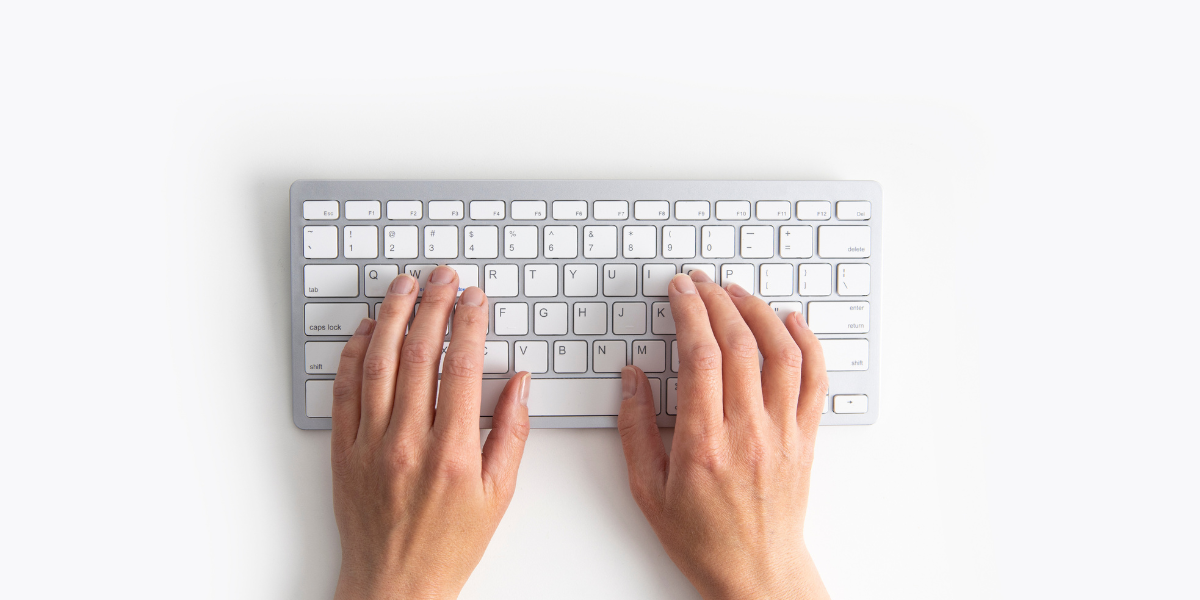
Typing faster is not about forcing your fingers to sprint. It is about making typing feel effortless: fewer pauses, fewer mistakes, and a steadier rhythm. Once your fingers can keep up with your thoughts, everything gets easier—from writing messages to learning and building things.
Why typing speed is not just “speed”
People usually measure typing with WPM (words per minute), but the real win is flow. When you can type without getting stuck, you stop losing your train of thought mid-sentence.
- You pause less to find keys.
- You spend less time fixing the same mistakes.
- You stay focused on what you want to say, not the keyboard.
That is why a calm 55 WPM with great accuracy often beats a chaotic 80 WPM full of backspaces.
The three metrics that actually matter
1) WPM (Words Per Minute)
WPM is useful, but only when accuracy is strong. If your WPM goes up while accuracy drops, you are mostly typing errors faster.
2) Accuracy
Accuracy is your “clean signal.” The higher it is, the less energy you waste correcting. A simple target: aim for 97–99% accuracy during practice.
3) Consistency
Consistency is the hidden stat. It is the difference between “I hit a high score once” and “I type well every day without trying.” Consistency comes from relaxed technique and repeatable patterns.
What good typing looks like
Good typing feels smooth and controlled. Most strong typists share a few habits:
- Eyes on the screen, not the keyboard.
- Light keystrokes instead of hammering keys.
- Minimal backspace because accuracy is built in.
- Even pace (no sprint → crash → sprint).
- Comfortable posture: wrists neutral, shoulders relaxed.
If typing feels tense, it is usually a technique issue, not a “you need more speed” issue.
Home row: helpful, not holy
Classic advice says to start on ASDF / JKL;. That is still a great base, especially if you are learning from scratch. But you do not win by obeying a diagram—you win by building movements you can repeat without thinking.
If you already type decently, you do not need to “start over.” Instead, focus on:
- reducing awkward reaches,
- fixing your worst error zones,
- building a steady rhythm you can hold.
The fastest way to improve (without burning out)
Step 1: Slow down on purpose
For one week, pick a pace where you can stay accurate. Make clean keystrokes the goal. Speed usually shows up naturally once your fingers stop making extra moves.
Step 2: Practice in short sprints
Fifteen minutes beats ninety minutes. Try a simple session:
- 3 minutes: warm up (easy words, relaxed rhythm).
- 5 minutes: accuracy-focused (slow enough to stay clean).
- 5 minutes: speed-focused (push gently, do not panic).
- 2 minutes: cool down (easy pace, smooth finish).
Step 3: Track your problem keys
Most people are not slow everywhere. They are slow in a few spots, and those spots control overall speed. Common trouble areas:
- punctuation like
. , ' ; / - shift symbols like
? ! @ - common letter pairs like
th,er,ion,ing
Pay attention to where you hesitate, then drill those keys for a minute or two. Small targeted practice adds up fast.
Common mistakes that keep people stuck
“I always try to type faster”
Speed comes from smoothness, not force. If you feel rushed, your hands tense up and accuracy drops. Calm rhythm is the shortcut.
“I fix every mistake immediately”
Constant backspacing breaks flow. Depending on your test rules, sometimes it is better to keep going and clean up later. During practice, focus on staying relaxed and steady.
“I only practice random words”
Random words help mechanics, but real typing includes punctuation, numbers, capitalization, and messy sentences. Mix both.
A simple 14-day plan
If you want structure, this two-week plan is simple and realistic:
Days 1–3: Accuracy reset
- Type slower and aim for 98–99% accuracy.
- Focus on clean strokes and relaxed hands.
Days 4–7: Rhythm building
- Keep accuracy high.
- Nudge speed upward a little each session.
- Add one punctuation-focused practice per day.
Days 8–10: Weakness attack
- Pick your top 2–3 problem keys or patterns and drill them.
- Keep it short: 5 minutes is enough.
Days 11–14: Performance + confidence
- Do one “best effort” test per day.
- Also do one slow “perfect form” run.
- Measure consistency, not your single best score.
The main idea
Smooth typing becomes fast typing. Keep your hands relaxed, keep your eyes on the screen, and practice a little most days. The gains feel small day-to-day—but after a couple weeks, they show up everywhere.